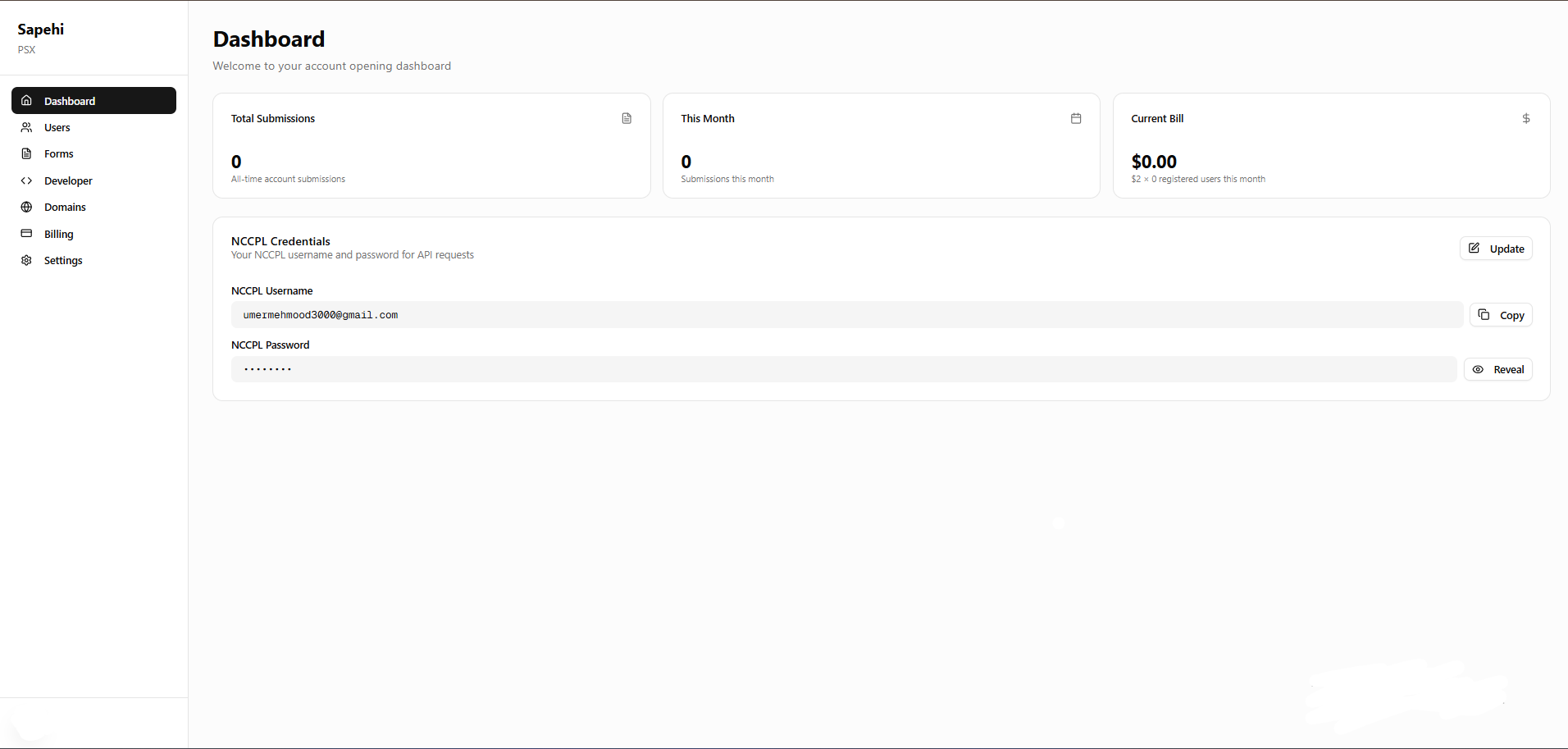
How to Register with Triminage's Account Opening Form
Follow these simple steps to create your account and start using the Triminage Account Opening Form platform.
Last updated: 2024
Prerequisites
- A valid email address
- Access to your email inbox for verification
Step-by-Step Instructions
1
Navigate to the Registration Page
Go to the Triminage Account Opening Form website and click on the "Sign Up" or "Get Started" button in the header.

2
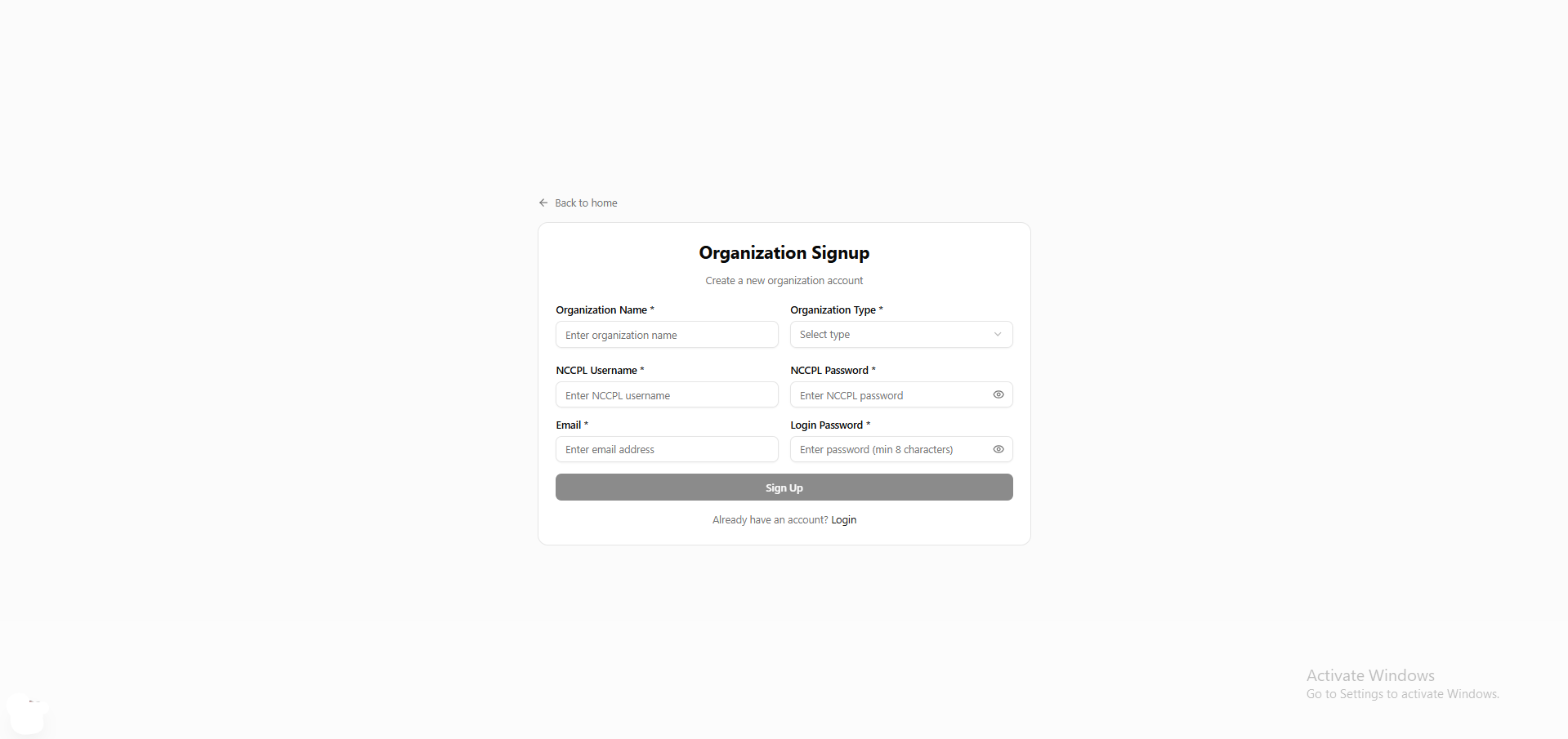
Fill in Your Information
Enter your required information including your name, email address, and password. Make sure to use a valid email address as you will need to verify it.
3
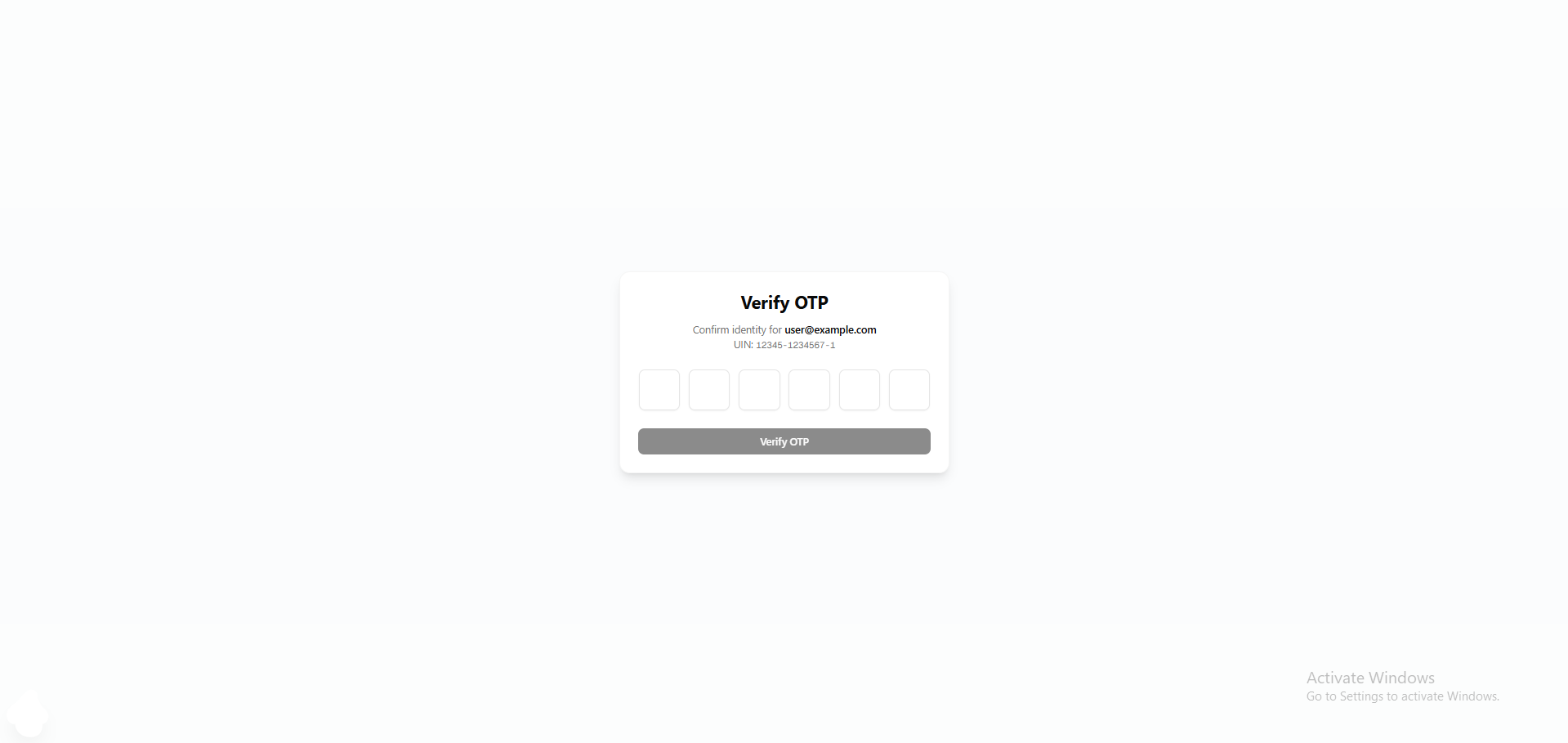
Verify Your Email
Check your email inbox for a verification email from Triminage. Click on the verification link to activate your account.
4
Access Your Dashboard
Once your account is set up, you will be redirected to your dashboard where you can start configuring your account opening forms.